
3D home tours buyers can walk through
Turn a floor plan into a measured 3D home, then share a tour buyers open on any phone: floor plans, 3D and a walk-through from room to room, with your listing photos and an inquiry form that comes straight to you.
Planning homes is free. Publishing tours is part of Sofaplot Pro.
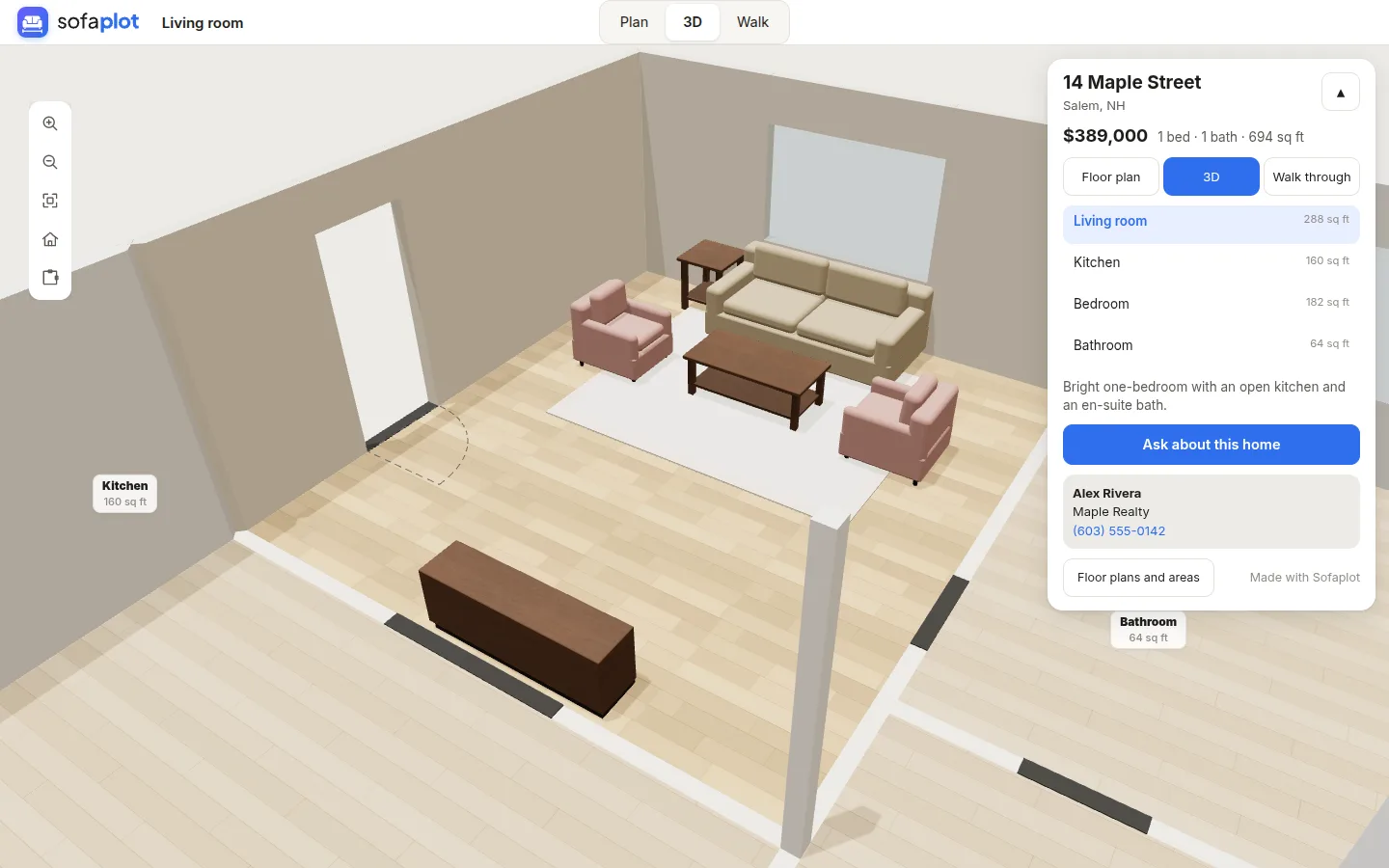
The whole home, in minutes, at real size
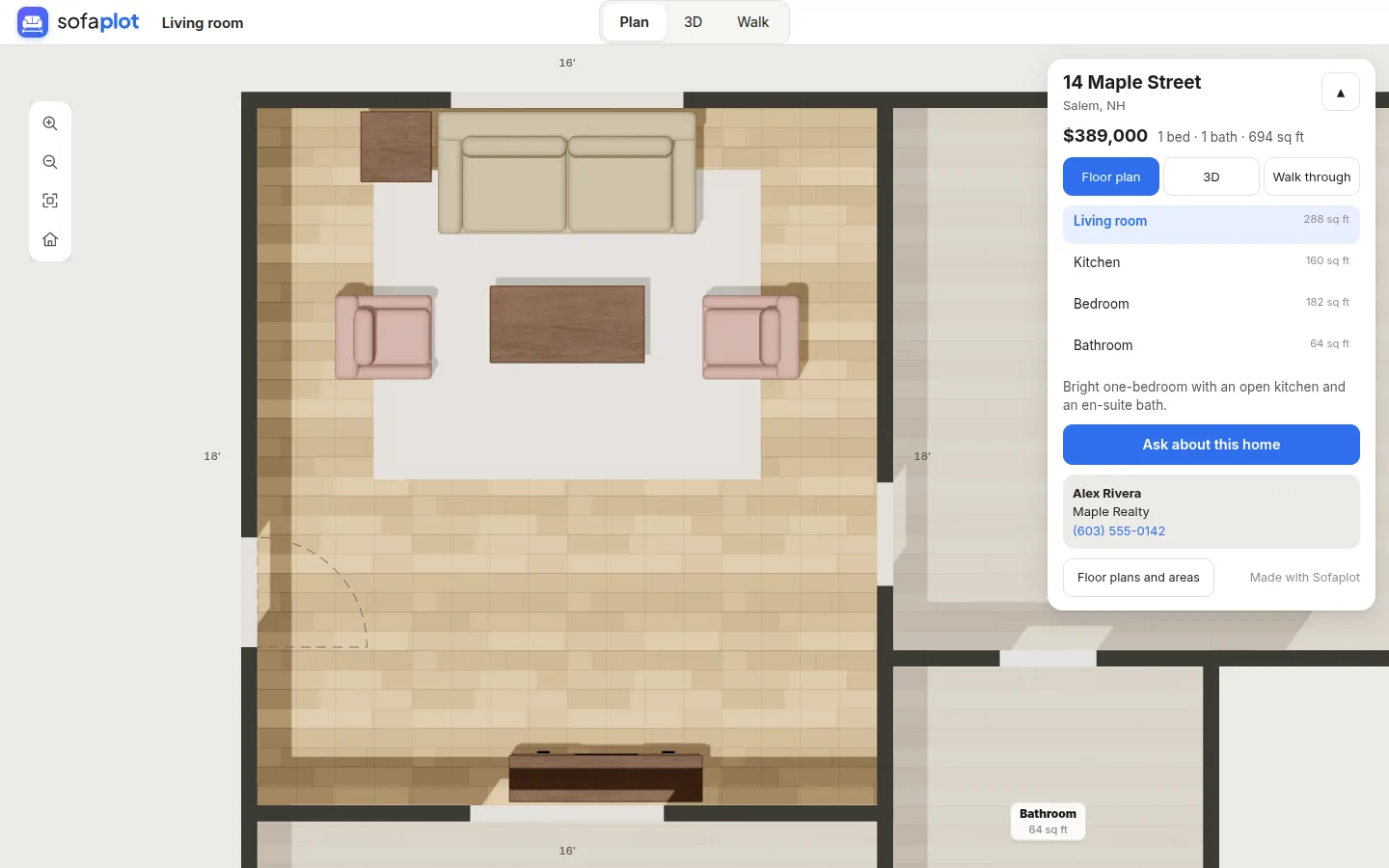
Scan the listing's floor plan and Sofaplot builds every room in its place, with doors, windows, closets, bathrooms and the stairs between floors. Or start from a ready layout and adjust it.
- Room areas, measured: every room's square footage inside its walls, and a printable plan of each floor.
- Furnished or empty: show it as it is, or place furniture at its real size so buyers see how the rooms work.
- More than one floor: basements, upper floors and the stairs between them.
Share it everywhere, and know who's interested
One tour, with the links and numbers that make it work for you.
MLS-ready link
An unbranded link for the MLS virtual tour field: no contact details, inquiry form or Sofaplot branding.
On your website
Copy-paste code puts the tour on your own listing page, and a plain link works in emails and social posts.
Inquiries to your inbox
Buyers ask about the home from the tour. Each inquiry comes to your email, ready to reply to, and waits in Your tours.
Visit numbers
See each tour's visits, walk-throughs, rooms looked at, brochures printed and inquiries, day by day.
Photos and staging
Add real-looking photos of each room, made from your plan. AI-made ones are marked “Virtually staged” for you.
A brochure to print
A cover with the home in 3D and the tour's link, then every floor plan with its room areas and your photos.
Three steps to a live tour
Most homes take a few minutes.
Make the home
New home: scan the floor plan, pick a ready layout, or draw it room by room.
Add the listing
Price, address, beds and baths (counted from the rooms), a description, your contact and photos.
Share it
Copy the tour link, the MLS link or the website code. Inquiries and visits show up in Your tours.
Questions
Do buyers need an account to open a tour?
No. Anyone with the link opens the floor plans, the 3D view and the walk-through in their browser, on a phone or a computer.
Can I put a tour on the MLS?
Yes. Each tour has an unbranded link for the MLS virtual tour field, with no contact details, inquiry form or Sofaplot branding. Check your MLS's own rules for virtual tours.
How are virtually staged photos handled?
Photos made with Sofaplot's AI are marked “Virtually staged” on the image when they're added to a tour, as many listing services require.
How accurate are the floor plans and room areas?
They're as accurate as the measurements behind them: the sizes written on the plan you scan, or the ones you enter. Areas are measured inside the walls. Check them before you publish.
Can I show a tour on my own website?
Yes. Each tour has copy-paste code for your listing page, and a plain link for social posts and emails.
What does it cost?
Making homes, floor plans and the 3D view is free. Publishing tours, with inquiries and visit numbers, is part of Sofaplot Pro. The AI tools (scanning a floor plan, making photos) use Sofa Tokens.